
Behavioural UX Design That Reduces Friction
Scroll


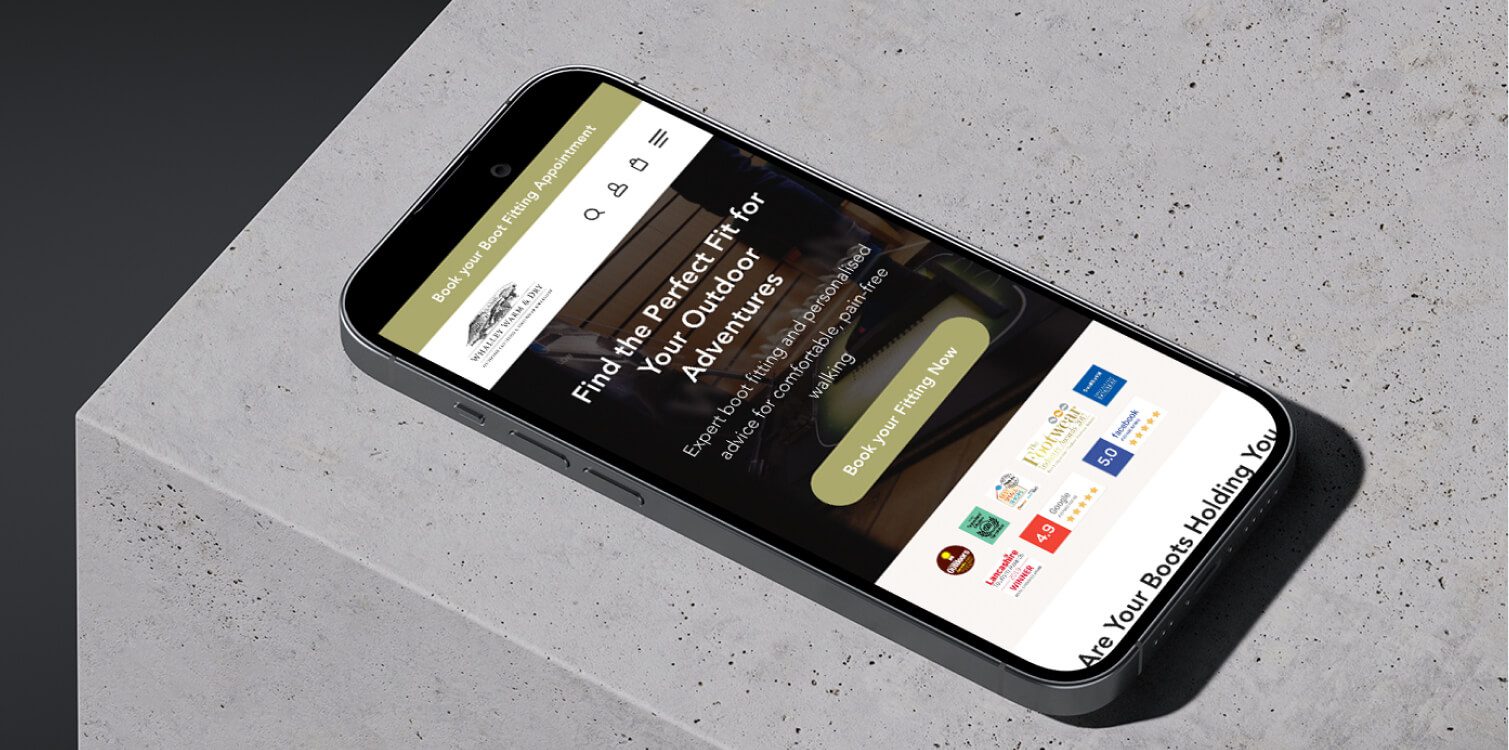
Make every click count
Interfaces your users will love.
Give your visitors a seamless, engaging experience that builds trust and drives action - turning every interaction into an opportunity for conversion.
I’ve worked with:


Making Your Website Easier for Customers to Use
Finding Where People Get Confused
Even a professionally designed website can underperform if visitors struggle to understand what is being offered or where to go next. A UX-focused review helps uncover moments where people lose confidence, misinterpret information, or abandon their journey. By analysing real behaviour and comparing your site against others in your market, these friction points can be identified and resolved before they affect enquiries.
- UX and website audits to uncover usability issues
- Reviewing visitor behaviour using analytics and session tools
- Competitor and market analysis to benchmark expectations
- Identifying pages where users hesitate or drop off
- Highlighting areas that need clearer structure or messaging
Spotting What Stops Visitors Taking Action
Many websites lose potential customers not because of design quality, but because small barriers interrupt the decision process. This work focuses on identifying the points where visitors pause, feel uncertain, or abandon forms and calls-to-action, then refining the experience to make taking the next step feel straightforward.
- Analysing form drop-offs and interaction points
- Reviewing calls-to-action and enquiry paths
- Testing different layouts and content approaches
- Identifying unnecessary steps or distractions
- Improvements guided by conversion-focused insights
Helping Visitors Understand Information Faster
Hesitation often comes from uncertainty, overload, or lack of trust. By examining how information is presented and how decisions are framed, it becomes easier to understand why visitors pause and what reassures them enough to continue.
- User research and feedback where appropriate
- Reviewing clarity of messaging and structure
- Identifying cognitive overload or competing choices
- Assessing trust signals and reassurance elements
- Mapping decision points across the customer journey
Improving How Visitors Move Through Your Site
A good website feels effortless to navigate. When structure and flow are well planned, visitors naturally move from interest to action without confusion. This work focuses on refining the pathways through your site so pages connect logically and support how people actually browse.
- Customer journey mapping to understand real paths
- Improving information architecture and page hierarchy
- Sitemap and structure planning
- Wireframing and prototyping key journeys
- Ensuring navigation supports how users think
Making Your Website Clear and Easy to Navigate
Structuring Pages So Information Is Easy to Understand
When a website is clearly structured, visitors can quickly grasp what a business offers and where to find the details they need. UX work focuses on organising content so key messages stand out and pages feel purposeful rather than cluttered, building on the foundations set during the earlier design phase of your website.
- Information architecture planning
- Logical page hierarchy and content grouping
- Sitemap planning for clearer overall structure
- Wireframing to prioritise important content
- Aligning page structure with user intent
Making Information Easier to Take In
Online visitors skim before they read. Content and layouts need to support this behaviour so information is absorbed without effort. These refinements ensure the visual layer supports usability, not just appearance.
- Content structured for scanning
- Clear visual grouping of related information
- Interface design that supports readability
- Consistent layout patterns across the site
- Visual emphasis on key information
Removing Clutter and Competing Messages
When too many elements compete for attention, visitors become uncertain and hesitate. Refining the experience involves reducing noise and helping people focus on what matters, often alongside updates to site functionality handled through ongoing technical improvements.
- Simplifying layouts and page elements
- Reducing unnecessary choices
- Clarifying calls-to-action
- Removing distractions that interrupt decisions
- A/B testing to validate improvements
Navigation That Guides, Not Confuses
Visitors should always feel confident about where they are and where to go next. Navigation improvements focus on making movement through the site intuitive and aligned with how people naturally browse.
- Clear menu structure and labelling
- Improving pathways between related pages
- Refining navigation based on user behaviour data
- Prototyping and testing navigation changes
- Ensuring mobile navigation works smoothly
Designing a Website That Feels Effortless
Improving Layout and Visual Clarity
Visitors decide quickly whether a page feels clear or confusing. Layout refinements focus on how information is organised visually so key messages are understood without effort. This builds on the overall structure created during the earlier website design work and sharpens how each page communicates.
- Refining page layouts to improve clarity
- Grouping related content visually
- Adjusting spacing and visual balance
- Interface design improvements that support readability
- Prototyping layout changes before implementation
Making Key Information and Actions Easy to Notice
Important information and calls-to-action should never be missed. UX refinement helps guide attention so visitors instinctively notice what matters and feel confident about what to do next.
- Strengthening visual hierarchy
- Improving button and call-to-action visibility
- Clarifying labels and action prompts
- Reducing competing visual elements
- Testing refinements through A/B comparisons
A Smoother Experience on Mobile Devices
With most browsing now happening on phones, the mobile experience has a major impact on enquiries. UX work ensures layouts, navigation, and interactions feel smooth and intuitive on smaller screens.
- Reviewing mobile layouts and spacing
- Improving touch-friendly interactions
- Simplifying mobile navigation
- Testing usability across devices
- Reducing friction during key actions
Design That Works for Everyone
A website should be usable by as many people as possible. Inclusive design improves readability, interaction, and clarity for users with different needs while also benefiting overall usability.
- Accessibility and inclusive design improvements
- Better contrast, text clarity, and legibility
- Improving keyboard and screen-reader compatibility
- Simplifying interactions and reducing complexity
- Usability testing to validate improvements
Helping Turn More Visitors Into Enquiries
Fixing Drop-Off Points
Every website has moments where visitors leave sooner than expected. UX analysis helps identify where interest turns into hesitation, so those points can be refined before they affect enquiries. This builds on the structure established during the earlier planning and design of your website and focuses on how people actually behave, not assumptions.
- Identifying pages with high exit or drop-off rates
- Reviewing how users move between key steps
- Spotting friction during important actions
- Testing layout and content adjustments
- Using analytics to validate improvements
Improving Calls to Action
Calls to action guide visitors toward the next step, but small details can affect whether they are noticed or trusted. Refining how actions are presented helps make taking the next step feel natural rather than pressured.
- Reviewing wording and placement of calls to action
- Strengthening visual emphasis where needed
- Reducing competing elements near key actions
- Testing alternative approaches through A/B experiments
- Aligning actions with user intent and page context
Removing Barriers to Enquiring
Visitors often abandon enquiries due to small frustrations such as unclear forms, too many steps, or uncertainty about what happens next. UX improvements remove these obstacles so getting in touch feels simple and reassuring.
- Simplifying forms and enquiry processes
- Reducing unnecessary fields or steps
- Clarifying expectations and next steps
- Improving usability across devices
- Refinements supported by practical updates handled through ongoing development improvements
Ongoing Improvements Based on Real Use
A website should evolve as real behaviour reveals opportunities for improvement. Continued monitoring ensures decisions are based on evidence rather than guesswork, helping the site perform better over time.
- Post-launch UX monitoring
- Reviewing analytics and user interaction data
- Identifying new opportunities for refinement
- Testing improvements before wider rollout
- Supporting long-term performance and conversions
You’re in safe hands
15
+
Years of experience creating user interfaces
200
+
UI/UX Design projects completed for clients
90
%
Of clients come back for a second project
1

Award from the Design & Art Direction
Featured Projects
©MV = Website designed and developed at Media Village

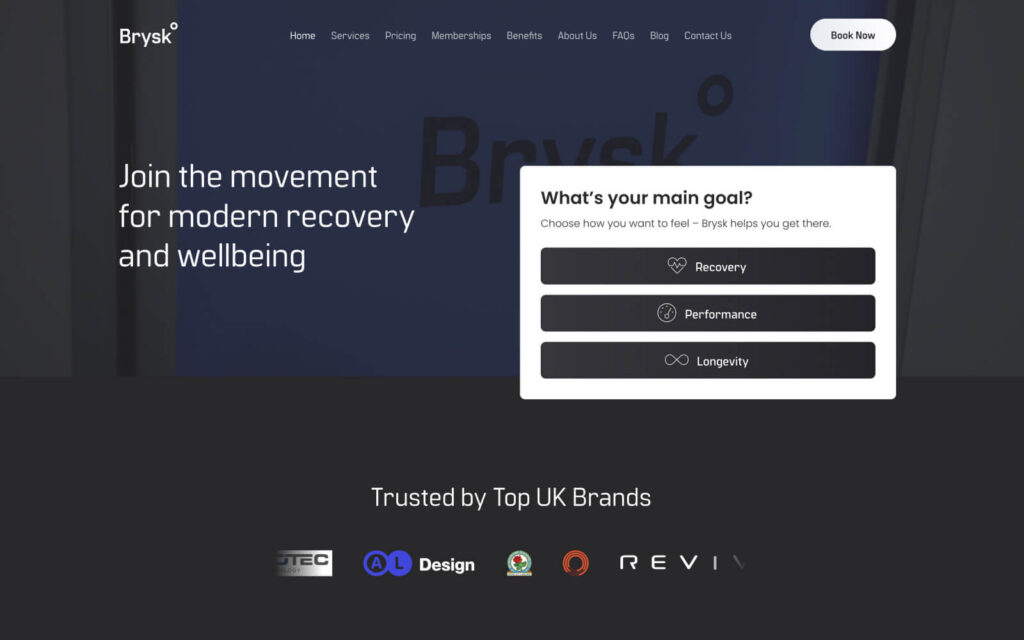
Brysk
Brysk
10% conversion lift in the first week
View

Flights 2 Florida
Flights 2 Florida
614% more daily enquiries
ViewI’ve worked with:
Have Questions?
What is UI/UX design and why is it important?
UI (User Interface) is how your website or app looks, and UX (User Experience) is how it works. Strong UI/UX ensures your visitors can navigate easily, find information quickly, and take action – all key parts of effective web design that drives engagement and conversions.
How do you improve the user experience of a website?
I analyse your audience, business goals, and content to create intuitive navigation, logical user flows, and visually clear layouts. Every design decision focuses on making it easy for users to interact with your website. Get in touch to see how your site can perform better.
Who is this UI/UX design service for?
This is for businesses or teams with an existing website or digital product that isn’t performing as well as it should.
If users struggle to find what they need, journeys feel unclear, or changes are being made without evidence, UI/UX design helps bring structure, clarity, and intent back into the experience.
Can you make my website easier to navigate?
Yes. I optimise menus, page layouts, and interactive elements to ensure visitors can find what they need quickly. The goal is a smooth, frustration-free experience that keeps users engaged and supports effective website design.
Will my website design increase conversions or engagement?
A well-designed user experience encourages visitors to take action. I focus on intuitive UI layouts, clear calls-to-action, and smooth user flows that guide people naturally through your website – helping them engage, explore, and take action through professional website design.
Do you conduct usability testing before launch?
I test designs with real users or simulate interactions to identify friction points. This ensures the site is intuitive, functional, and meets user needs before it goes live, helping deliver interactive websites that work smoothly.
How do you balance design aesthetics with functionality?
I lead the design process to ensure it looks polished and professional while remaining highly usable. Every visual choice supports functionality, accessibility, and a smooth user journey – delivering projects that showcase polished, user-friendly design.
Can you improve the UI/UX of an existing website?
Absolutely. I can review your current site, identify areas for improvement, and redesign the interface and user flows to make it more intuitive, engaging, and effective.
Yes. I can review your current site, identify areas for improvement, and redesign your website’s interface and user flows to make it more intuitive, engaging, and effective.
Do you consider accessibility in your design process?
Yes. I follow best practices for accessibility so your website works for all users, including those with disabilities. This includes readable fonts, sufficient contrast, keyboard navigation, and screen reader compatibility – ensuring websites that are accessible and inclusive.
How do UI/UX improvements affect website performance?
Better UI/UX improves engagement, encourages visitors to stay longer, reduces bounce rates, and increases conversions. A user-friendly, intuitive site builds trust, supports accessibility (including screen reader compatibility) and keeps people coming back.
Better UI/UX boosts engagement, encourages visitors to stay longer, and increases conversions. A user-friendly, intuitive design builds trust, reduces bounce rates, supports accessibility (including screen readers), and keeps people coming back – all hallmarks of professional web design.
.